VSCode 在 2026 年初更新後,Wayland 環境下新版會遇到 Fcitx5 無法輸入的問題[1],我們只要把 VSCode 改成用 X11 啟動就能解決
以下以官網的 .deb 版示範,以下示範環境為 Pop!_OS 24.04 LTS
先在家目錄建立自己的設定檔,防止 VSCode 更新後設定被覆蓋
mkdir -p ~/.local/share/applications
cp /usr/share/applications/code.desktop ~/.local/share/applications/
然後修改 ~/.local/share/applications/code.desktop
把 [Desktop Entry] 的
Exec=/usr/share/code/code %F改成
Exec=/usr/share/code/code --ozone-platform=x11 %F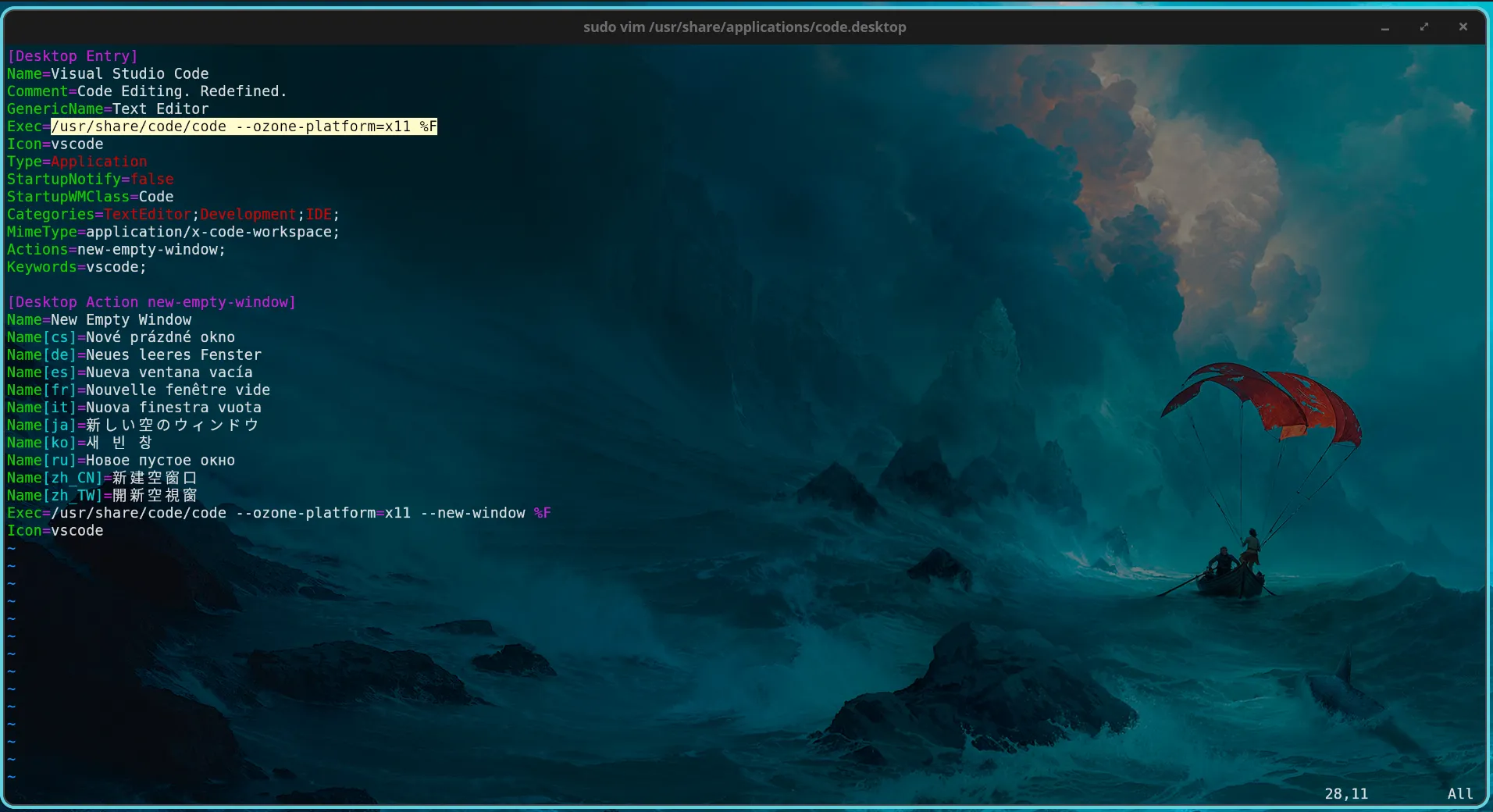
[Desktop Action new-empty-window] 的
Exec=/usr/share/code/code --new-window %F改成
Exec=/usr/share/code/code --ozone-platform=x11 --new-window %F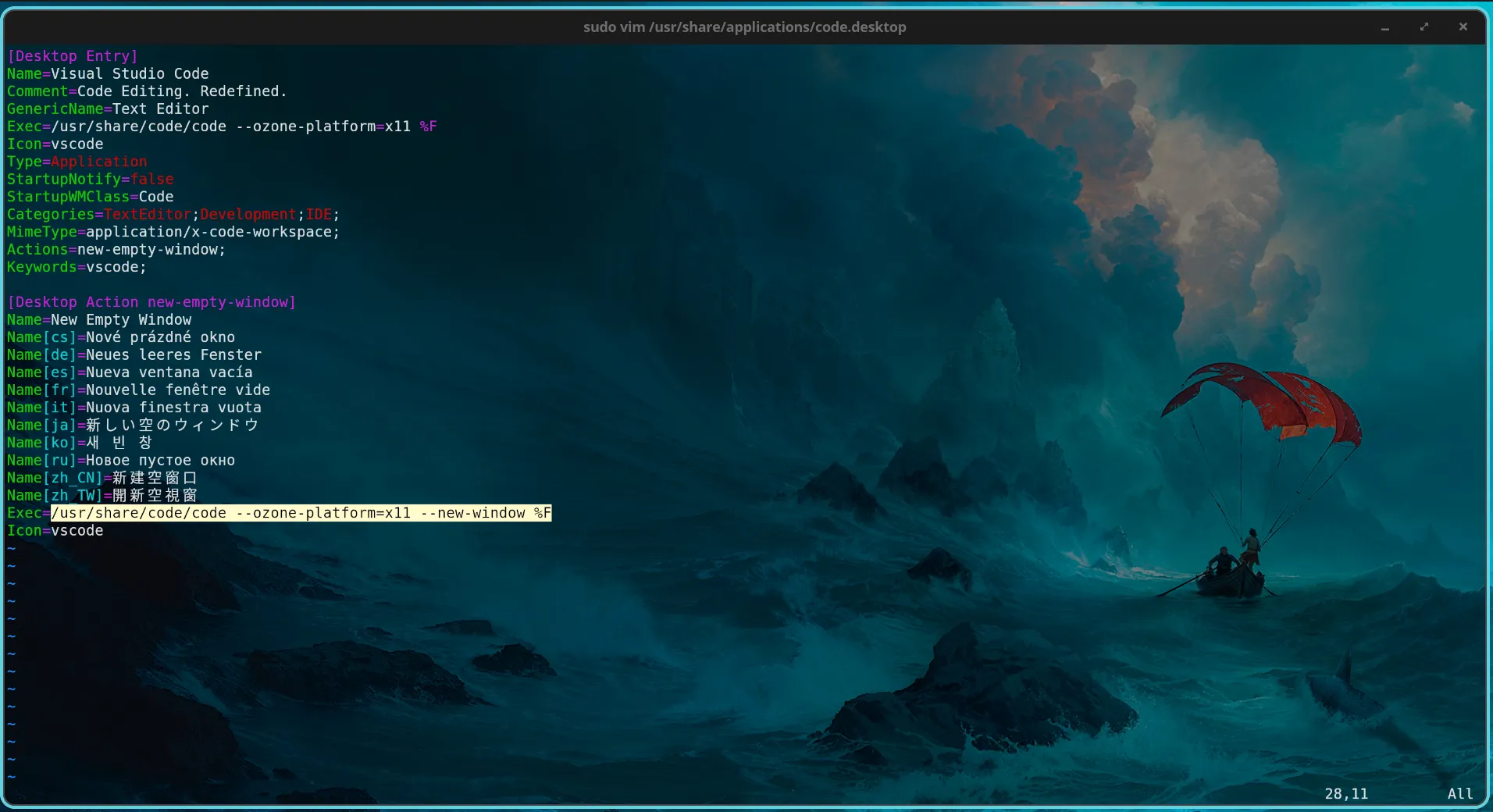
儲存後重啟 VSCode 就能正常使用 Fcitx5 了
之前有看到別篇文章說是 Electron 框架和 Wayland 衝突的問題,但我找不到原文章 ↩︎